How We Leverage AI Agents To Follow Up With Leads With Their Ideal Property So You Don't Have To

Somebody asks about a house on your site. They get a real answer right then, and updates after that, without you touching it.

  • CRM
  • ChatGPT or Claude
  • Cloudflare
Book a walkthrough

How it runs today

Right now, when a lead asks about a property, the follow-up depends on you seeing it and having time to answer. Here is what that looks like from their side.

A person on their phone, a message bubble with a house rising from it
The lead

Somebody asks about a house.

They found one they like on your site. They want to know if it is still available and when they can see it, so they ask.

A laptop with five crowded browser tabs and a lonely message bubble outside it, its dashed line ending in an x
The agent

The question sits there.

You are in five tabs. The MLS, the CRM, texts, Drive, email. The question is not in any of them, so nobody sees it.

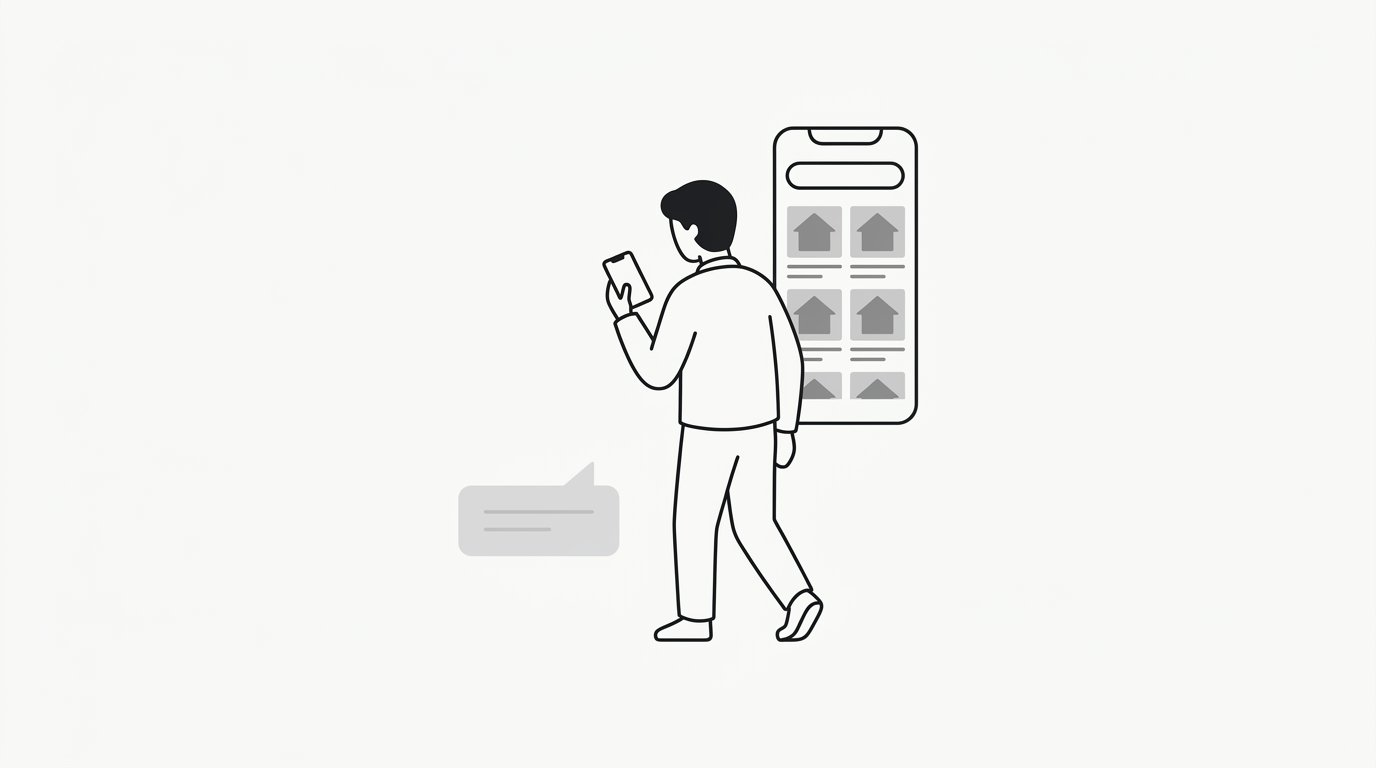
A person walking away looking at a listing app, a faded message bubble left behind
The result

They leave.

Nothing connects that question to a screen anybody is looking at. So they open Zillow, find the same house there, and you never hear from them again.

    How we set it up

    This is not a chatbot. It is an automation layer that sits between the questions coming in and the listings you already have. Somebody asks, they get a current answer, and they keep getting updates as things change. It never touches a listing record.
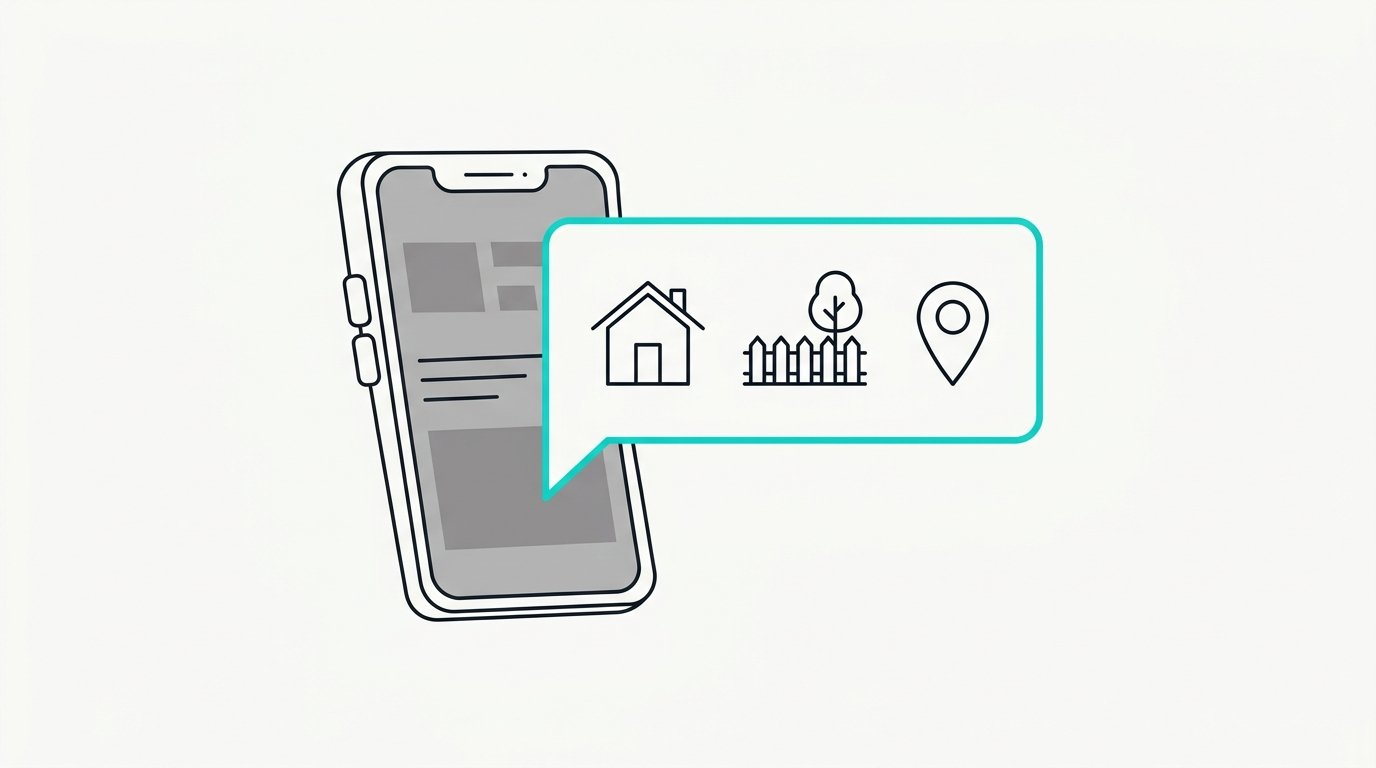
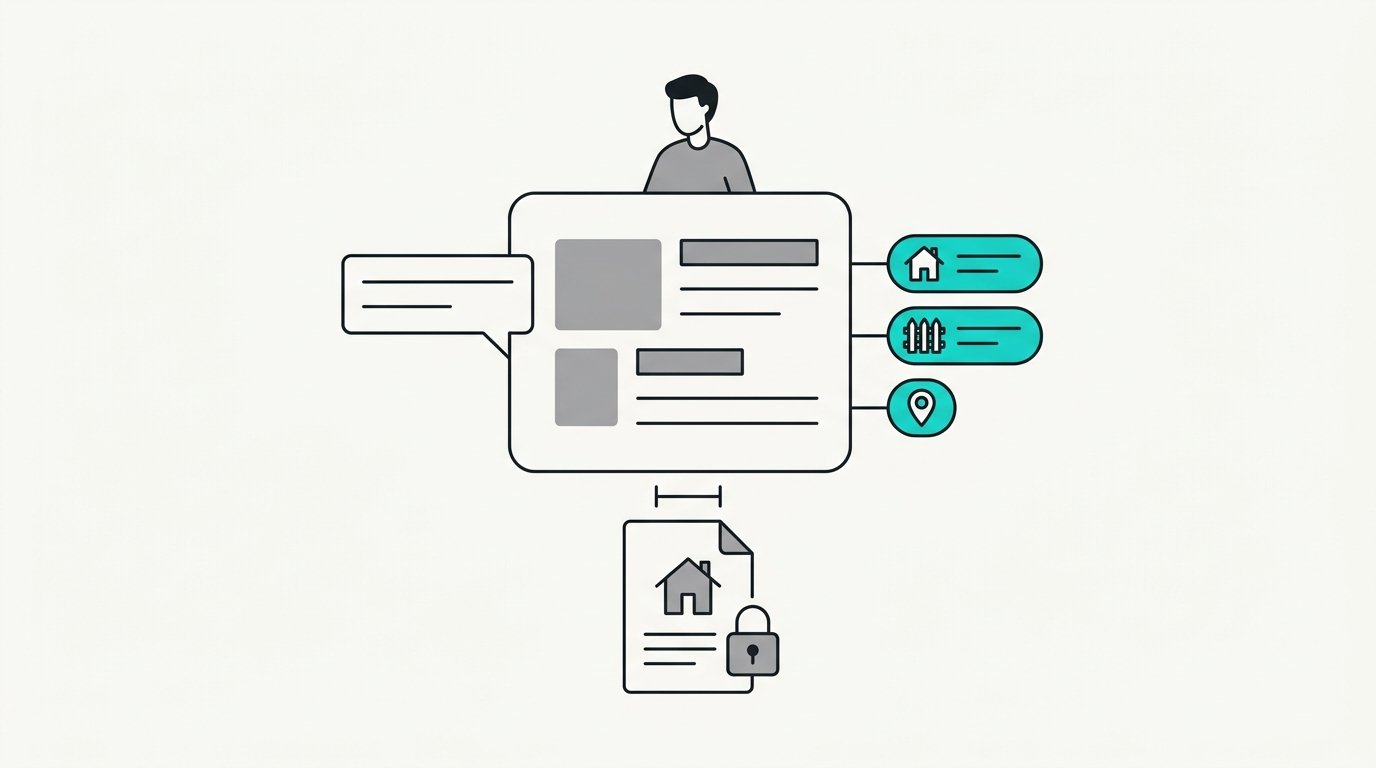
    A phone with a message bubble showing a house, a fenced yard, and a map pin
    Step one

    They ask like a normal person.

    Three beds, a fenced yard, near Oak Park. No forms, no filters, no account to make first.

    A processing box turning a message bubble into three filter chips, a locked listing document kept separate
    Step two

    The layer turns that into a search.

    Beds, yard, area. It writes the search and that is all it does. It never sees a listing record, so it cannot make anything up.

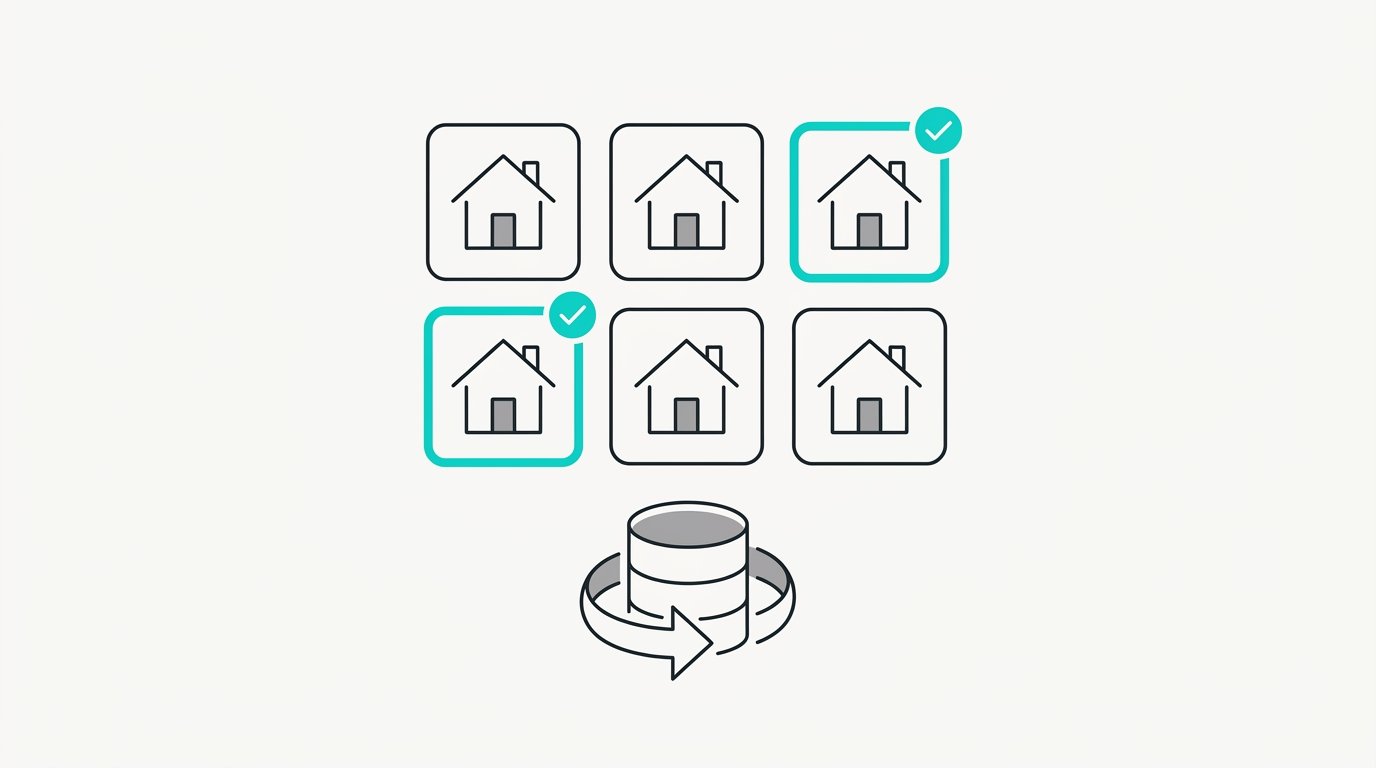
    A grid of house tiles with two highlighted and a database cylinder beneath
    Step three

    Your own listings answer.

    Your IDX feed, synced into your own database, runs the search. Current listings from your feed and nothing else.

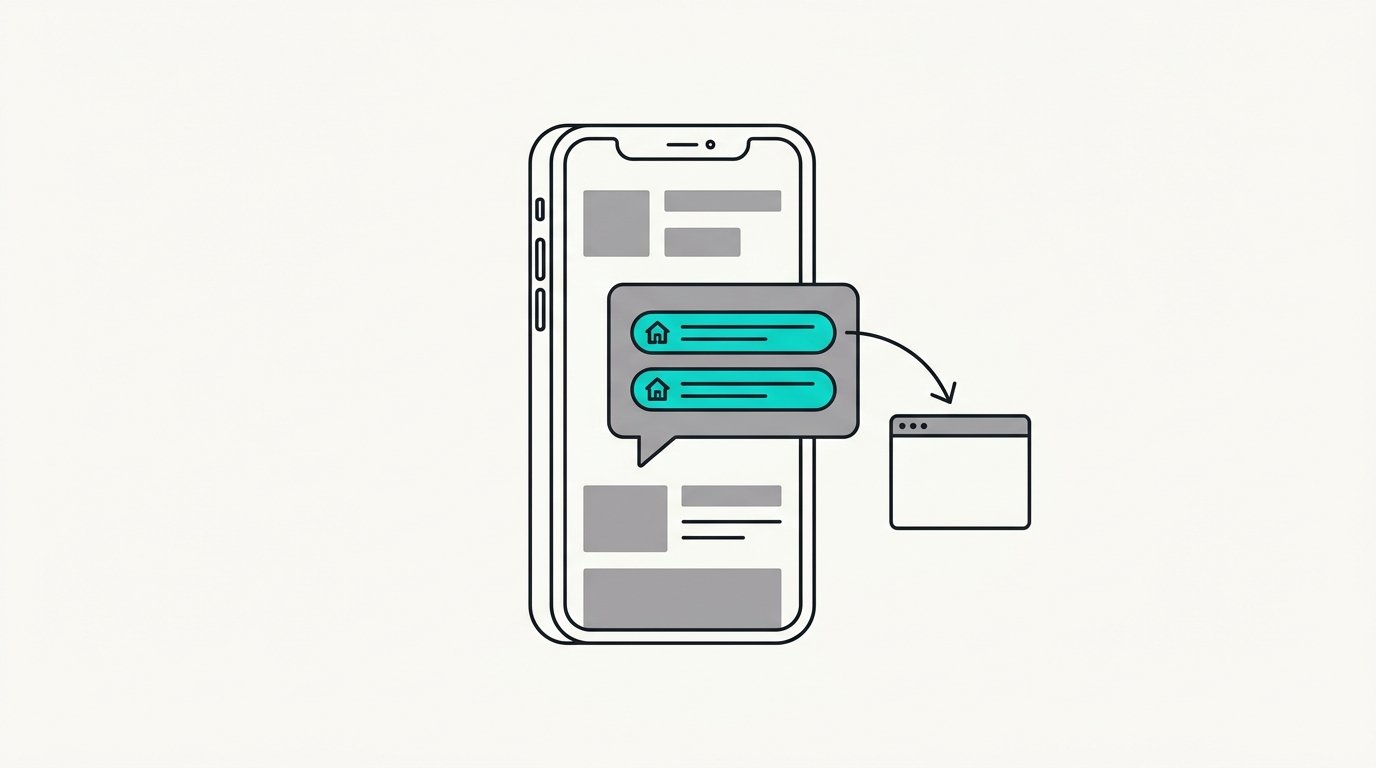
    A phone with a reply bubble holding two links and an arrow to a browser window
    Step four

    They get current matches.

    Two homes match right now, and they come back as links to your own pages. No listing data pasted into the reply. Ever.

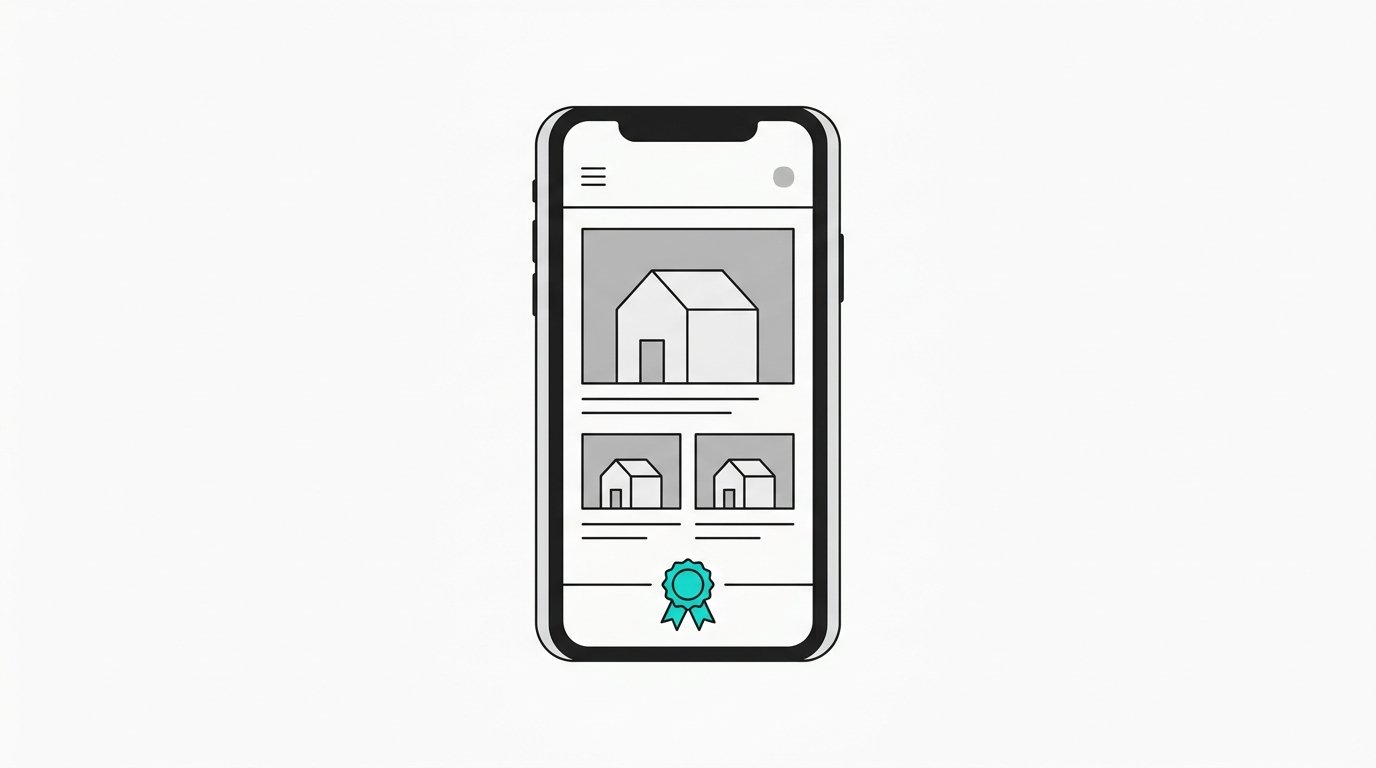
    A phone showing a brokerage website with house photos and an official seal at the bottom
    Step five

    Every tap lands on your site.

    The MLS logo, the disclaimer, and the broker attribution are already on the page. The traffic stays with you instead of a portal.

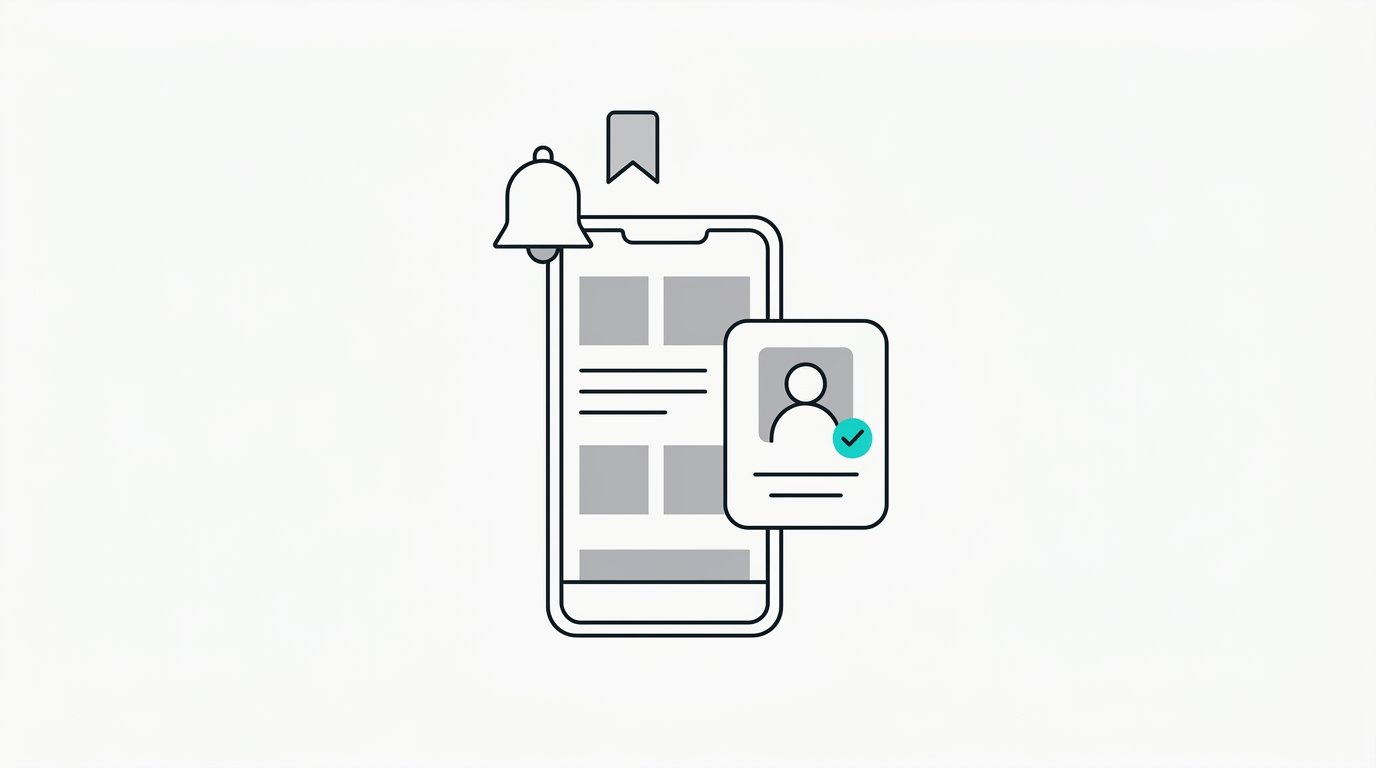
    A phone with a bell and a bookmark above it, and a contact card with a check mark
    Step six

    Want updates as things change?

    They say yes. Now new matches and status changes reach them on their own. That is a saved search and a real contact, not a form fill sitting in an inbox.

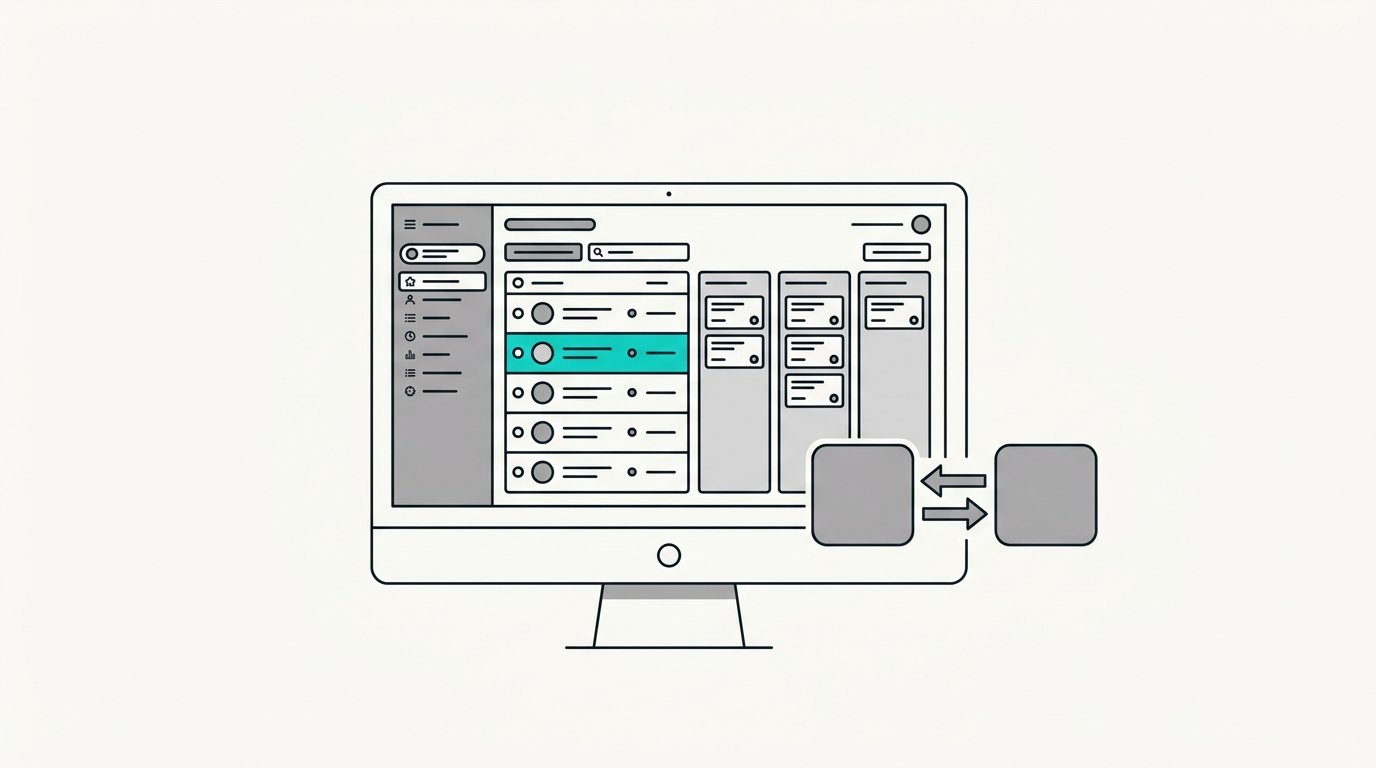
    A desktop CRM with a contact list, a pipeline, one highlighted new row, and two apps syncing
    Step seven

    The CRM sees it too.

    The contact lands in the CRM with the saved search on and a card in the pipeline. Follow Up Boss, kvCORE, whatever you already run. It stays.

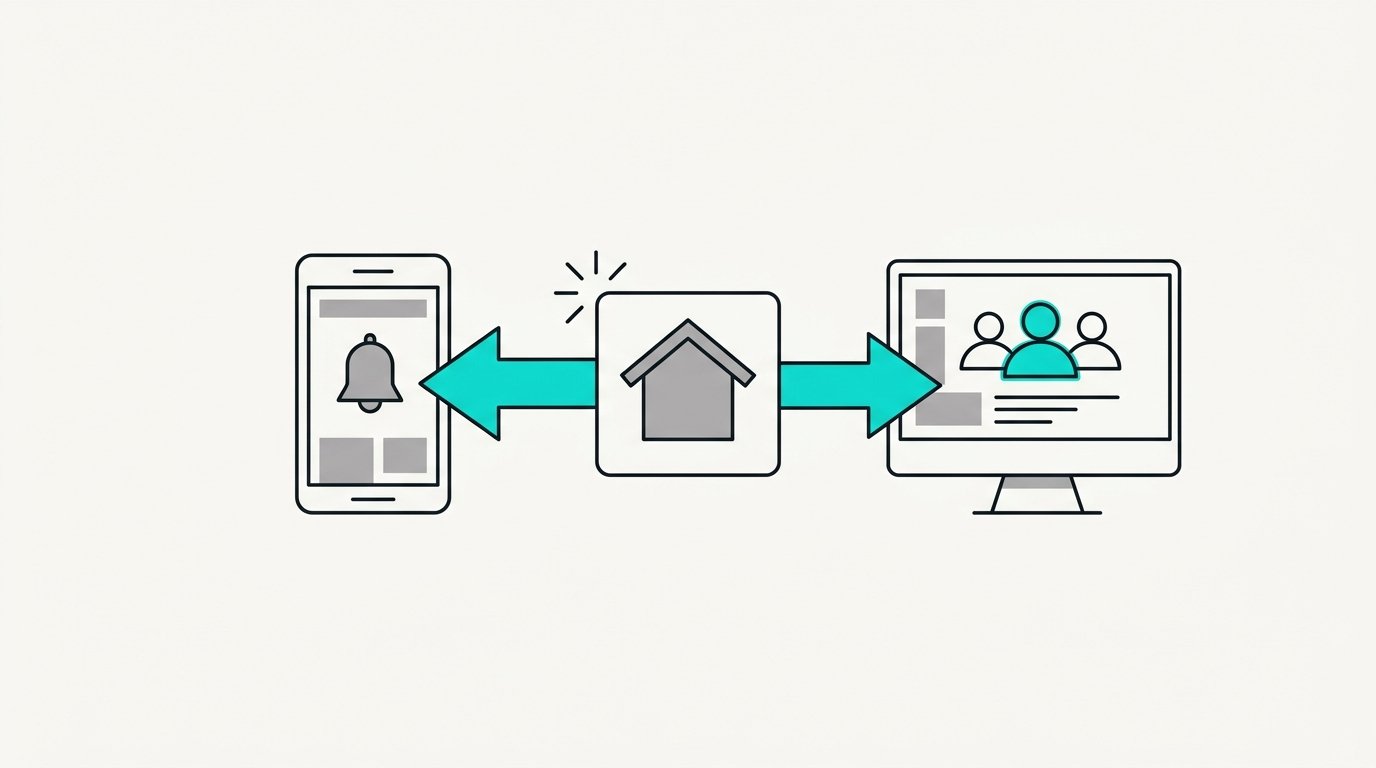
    A new house tile with arrows to a phone with a bell and to a screen with three people
    Step eight

    A new listing hits the feed.

    They get the update with the link. You get the names of every contact in your database who fits it. Both directions, every time.

      Three starting points

      Where you are today decides where we start. All three end up in the same place.
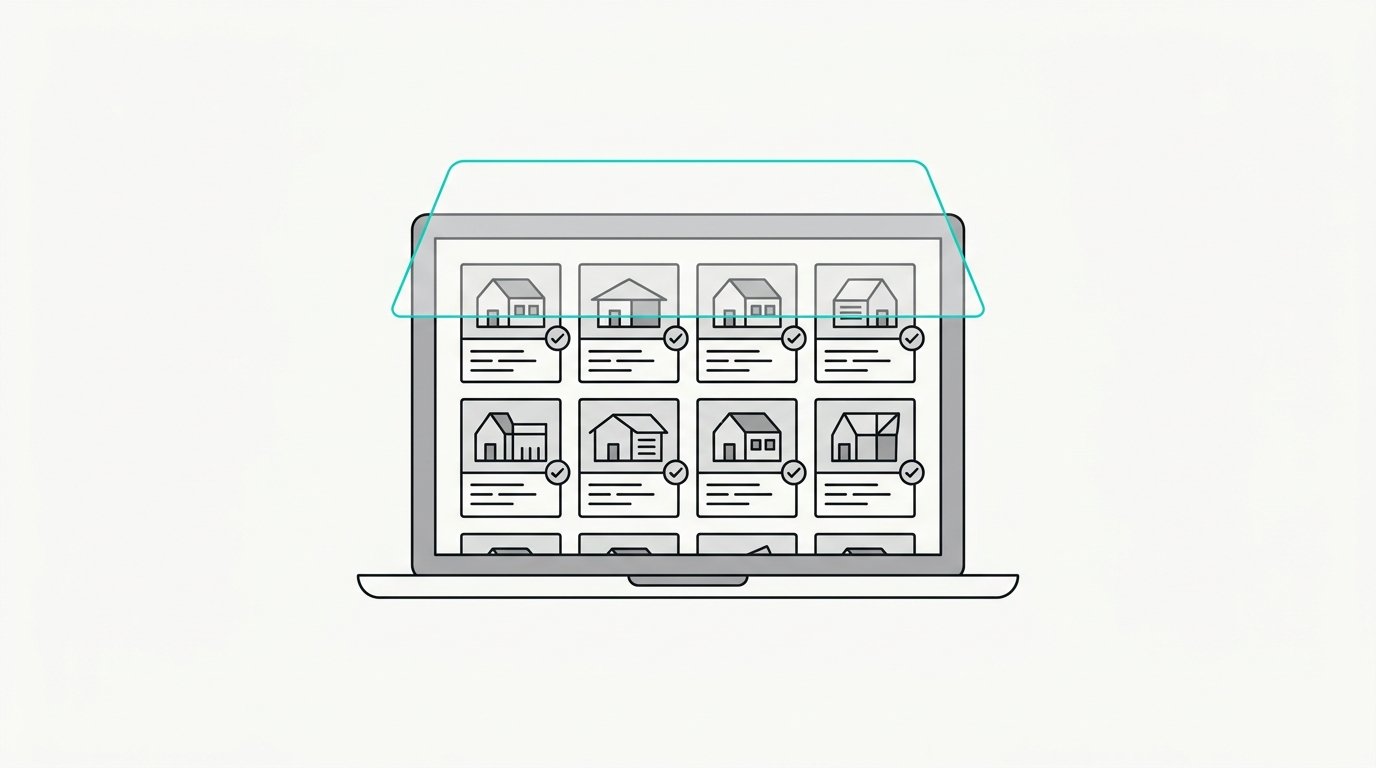
      A laptop showing a working listings website with a layer card settling on top of it

      Your feed is already live

      IDX is connected to your site and it works.

      We put the automation on top. Nothing gets ripped out and nothing changes for your visitors.

      A dusty CRM dashboard with a hand flipping a switch on beside it

      Your CRM is sitting idle

      You pay for it every month and barely open it.

      We turn on what you already bought: the automations, the pipeline, the follow-up. Then we connect the feed. Most agents start here.
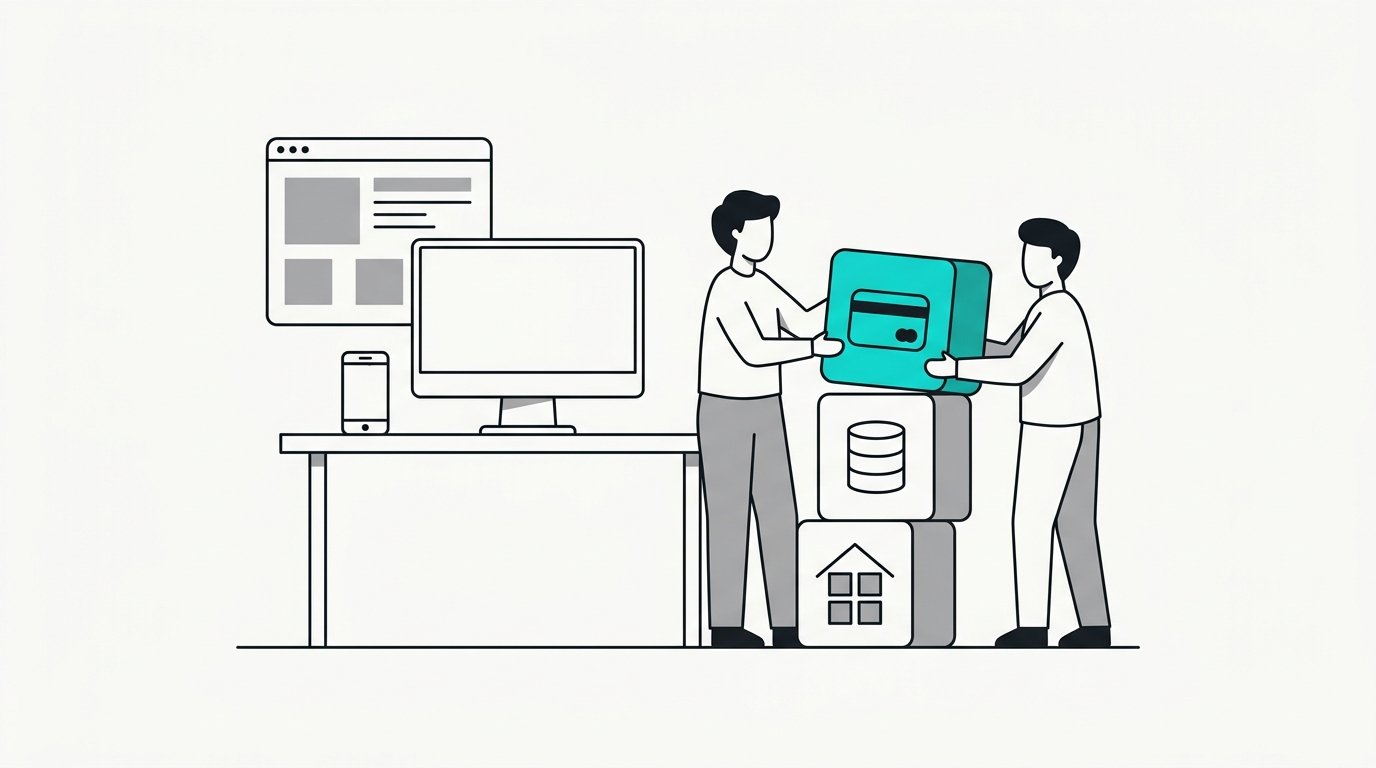
      An empty desk with a blank monitor, and two people stacking three building blocks beside it

      You are starting fresh

      No feed and no working CRM.

      Full build. We handle the feed application, the Cloudflare layer, GoHighLevel, and the automation on top.

      What you get out of it

      A lead asks about a house at nine at night. You are at dinner, or in a showing, or asleep. By the time you see it, they have already asked three other agents. Following up is the part of this business that pays, and it is the part that slips first. This layer does it for you. It answers first, it keeps answering, and it puts every lead in the CRM.
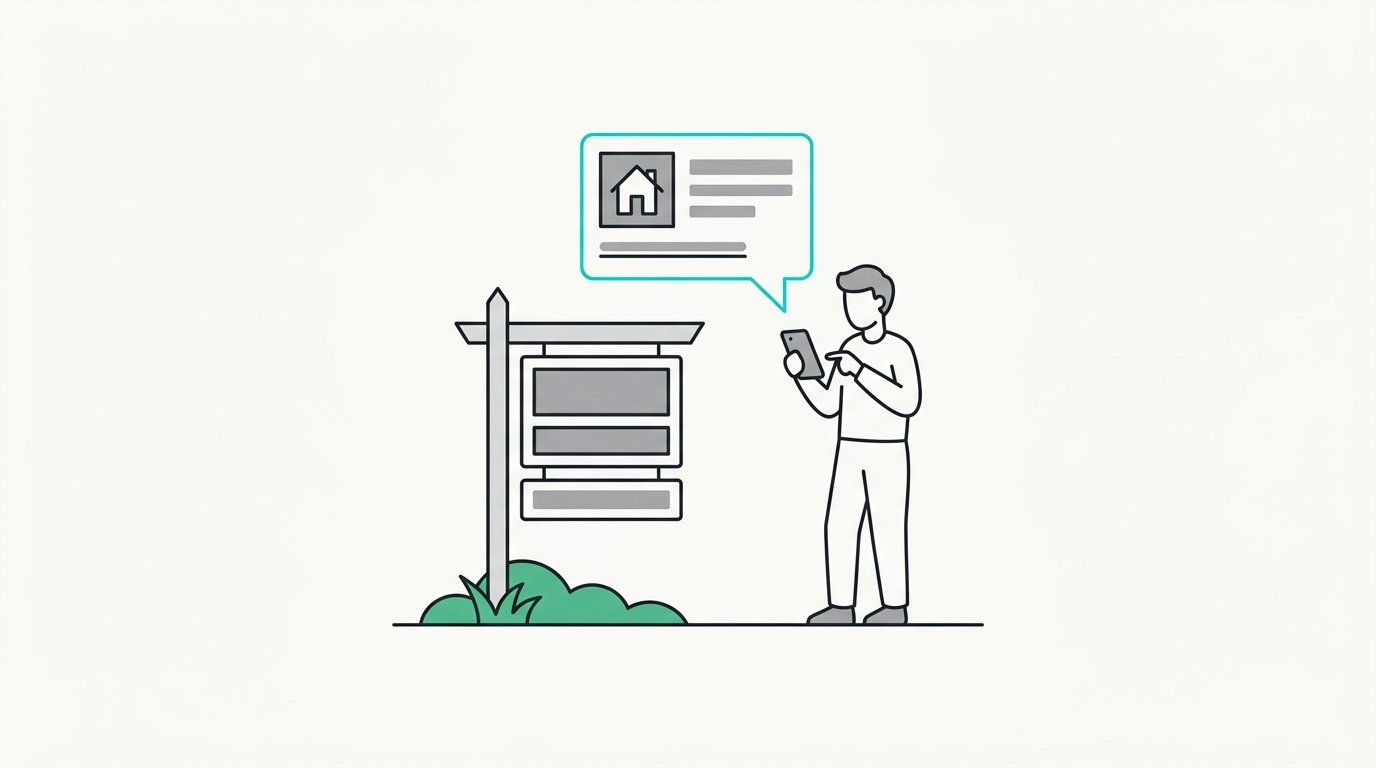
      Every way a lead comes in, the follow-up is already built

      A person texting beside a yard sign, a reply with the property popping up on their phone

      They text the property

      They see a sign or a flyer and text the property name. The details come right back with a link to it on your site, and the follow-up starts from there.
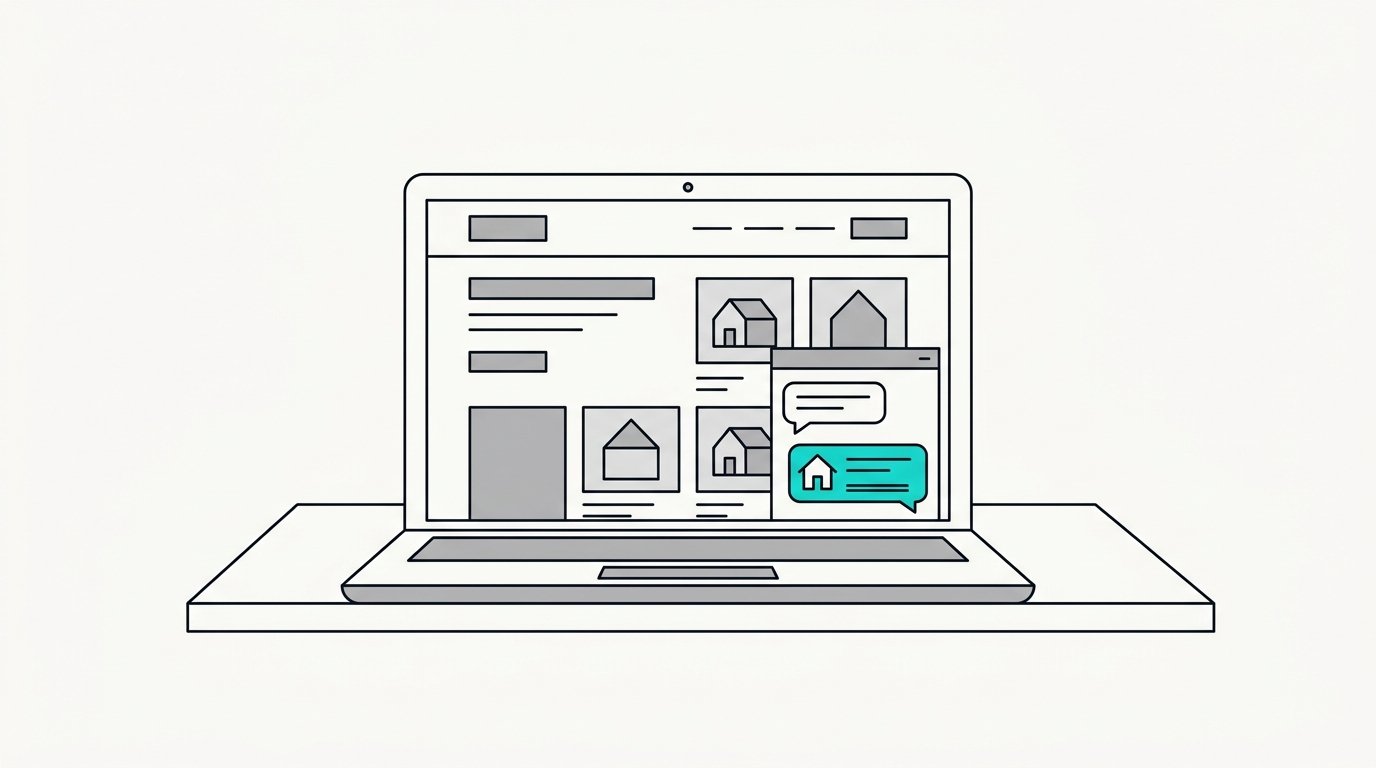
      A laptop showing a brokerage site with a message widget open and a reply holding a link

      They ask on your website

      A visitor asks a question on your site. They get a real answer right then, current matches as links, and updates as things change.
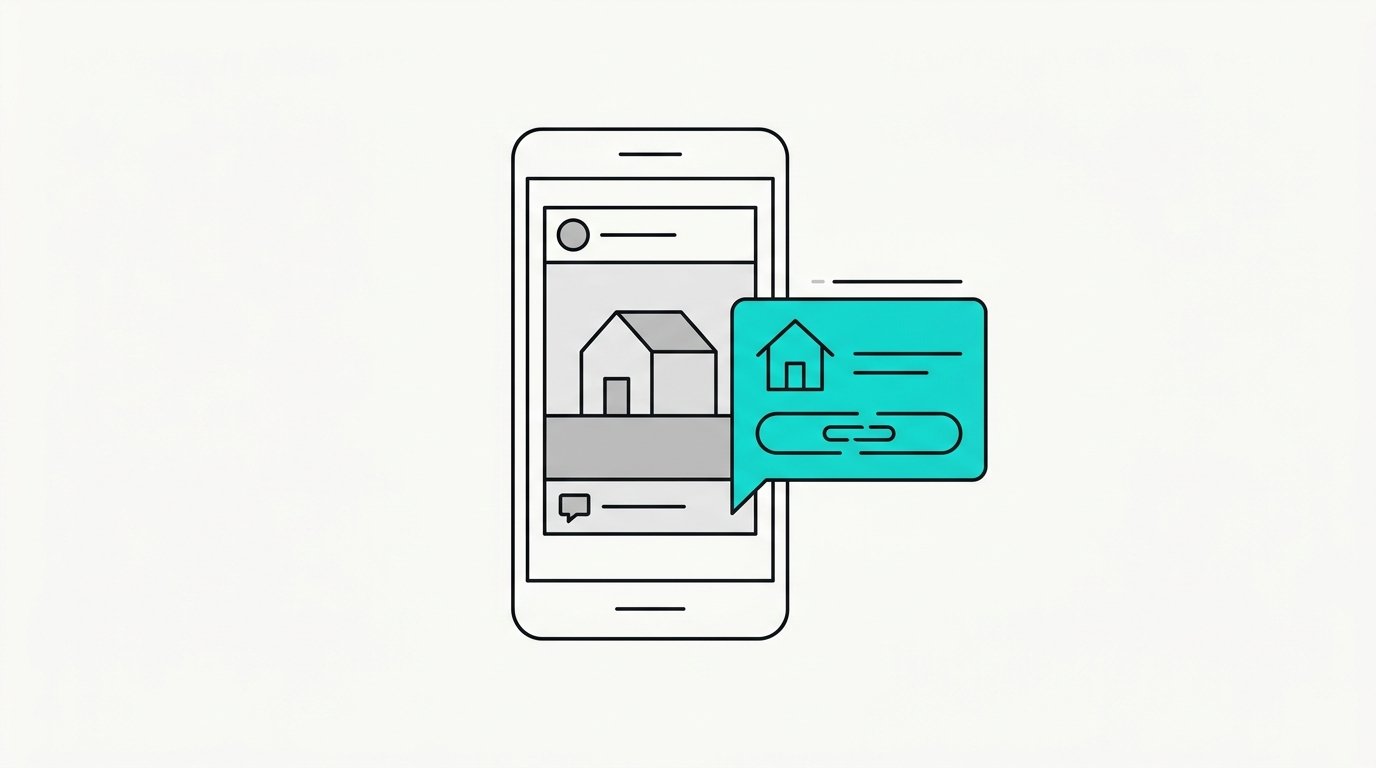
      A phone showing a social post with a comment, and a direct message reply sliding in with a link

      They comment on social

      They drop a keyword under your post. The reply lands in their DMs with the property, and the conversation keeps going from there.
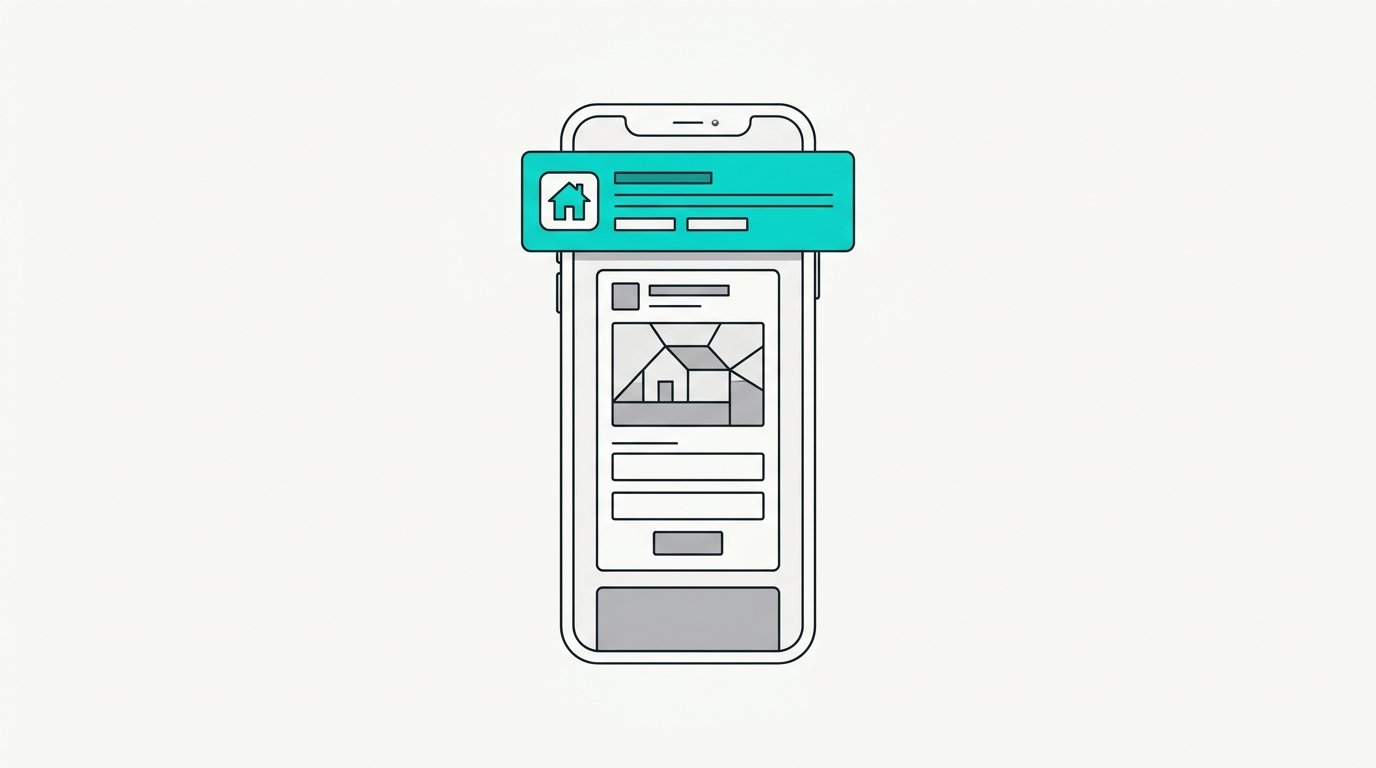
      A phone showing a sponsored ad with a short form, and a text notification arriving above it

      They come in from an ad

      Your ad is live and somebody fills it in. The first message goes out before you have even seen the lead, and it keeps going until they answer.

      The tech layer is simple

      Your real estate CRM

      If you have one, it stays. If you do not, we set one up.

      ChatGPT or Claude

      Whichever one you already pay for. It reads the message and writes the search, and that is all it does.

      A Cloudflare account

      Yours, with us given access. The automation runs there, in your name, on your account.